AI Automation Workflows for Marketing: Step-by-Step
By Julian Goldie · 21 Nov 2026
Most teams don't have a marketing problem; they have a follow-up problem. That is why ai automation workflows for marketing matter: they turn repetitive tasks like lead routing, follow-up emails, and content repurposing into systems that run without someone remembering to click send. The cost of skipping this is measurable, since slow replies lose deals and manual handoffs drop leads.
This guide gives you a complete system to fix that. You will map your workflow, pick a high-ROI task, and build your first automation from lead capture to follow-up. You will also see how to test it, measure what actually improves, and scale without breaking what works, plus the failure points that quietly kill most automations and a free versus paid roadmap so you know when to spend.
Key takeaways
- AI automation workflows combine no-code automation with AI models to handle marketing tasks that require judgment, not just rules.
- Start with one high-ROI task like lead follow-up, map it, and build a simple workflow before scaling.
- Test each step with real data, track time saved and conversion rates, and keep a human in the loop for quality control.
- Avoid over-automation and data privacy pitfalls by knowing when not to automate and always reviewing AI output.
- AI Profit Insider offers free guides and a paid community with templates and coaching to help you implement faster.
What Are AI Automation Workflows for Marketing?
AI automation workflows are multi-step processes where AI handles the judgment, content, or decisions inside an otherwise automated sequence. Traditional marketing automation moves data between systems on fixed rules. AI workflows add a layer that can read messy input, write something new, and choose what happens next. As CXL puts it, classic automation sends email two when a lead downloads an ebook; AI automation reads the lead's company website first and decides what email two should say.
Traditional Automation vs. AI Workflows vs. AI Agents
The three terms get used interchangeably. They are not the same thing.
- Traditional automation: fixed if-this-then-that rules you define. Needs structured fields. Highly predictable. Good for email sequences and lead routing.
- AI workflows: steps you define, with AI doing one or two of them. Handles unstructured input at those steps. Still predictable in structure.
- AI agents: the AI decides its own steps within limits you set. More flexible, less predictable run to run.
A simple example of a workflow: a lead fills in a form. An AI step reads the form and any public data about the company, scores the lead against your ideal customer profile, writes a personalized reply in your tone, and books a call on your calendar. A human approves the reply before it sends.
You do not need to code any of this. No-code tools like Zapier, Make, and n8n connect your form, CRM, calendar, and AI model through a visual builder.
Why AI Automation Workflows Matter for Small Teams
Small teams feel the gap most. In CXL's 2026 survey, 65% of B2B marketers rated themselves beginner or below at building AI workflows and agents, and 42% named agent building as the AI skill they most wanted to learn. The payoff is measurable: in an MIT field experiment with 2,234 people, teams working with AI agents produced 50% more ads per worker.
AI Profit Insider tests these tools and publishes the workflows that hold up, so you do not waste money on the wrong stack.
Step 1: Map Your Marketing Workflow and Pick a High-ROI Task
Define the work before introducing technology. You cannot automate a process you have not documented. List every repetitive marketing task consuming your time weekly. Include lead capture, follow-up emails, social drafts, scheduling, and reporting.
Audit these tasks with a scoring system. Score tasks on time spent, revenue impact, and rule predictability. Highly repetitive tasks with clear decision points score highest.
Task Audit Template
| Task Example | Time Spent/Week | Revenue Impact (Low/Med/High) | Rule-Based (Y/N) | Priority Score |
|---|---|---|---|---|
| Initial Lead Triage | 5 hours | Medium | Yes | High |
| Blog Post Drafting | 10 hours | Medium | No | Low |
| Social Media Scheduling | 2 hours | Low | Yes | Medium |
Choosing Your First Workflow
Select one high-priority task to tackle first. Focus on one high-ROI task to prevent scope creep. Good starting points include lead qualification or content repurposing.
Define success metrics before building. Don't just aim for "it runs." Define measurable outcomes: perhaps you aim to reduce lead response time to under five minutes, save three hours of manual labor weekly, or increase the lead-to-opportunity conversion rate by 10%.
Your final deliverable for this step is a one-page workflow map. This map must clearly show a single, defined starting point and the exact desired outcome, proving the process is ready for AI intervention.
Step 2: Choose the Right AI Tools and Build Your Stack
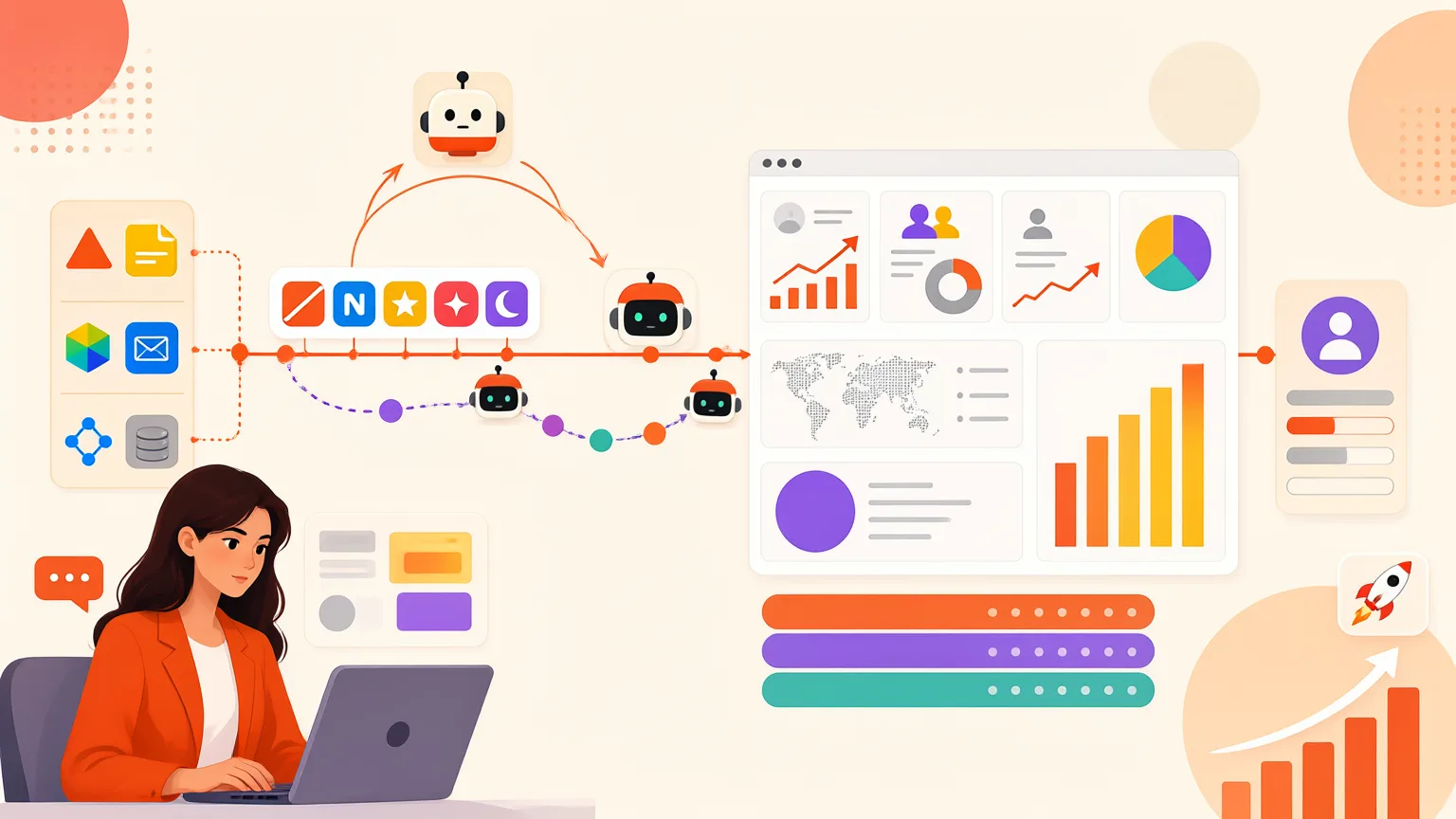
Your stack has three layers: an automation platform to move data, an AI model to think about it, and a CRM to store it. Get these three working together before you add anything else.
No-Code Automation Platforms Compared
- Zapier: the largest library of native app connections. Best when you want the shortest path from trigger to action and don't mind paying per task.
- Make: visual, branch-heavy scenarios. Best when your workflow needs conditional logic, loops or data transformation between steps.
- n8n: self-hostable and code-friendly. Best when you need full control over data or want to avoid per-task pricing at volume.
All three connect tools through native integrations or webhooks. A webhook is simply a URL one tool posts data to; if an app lacks a native connector, the webhook is your fallback. No coding required, just a URL and a payload.
AI Models for Marketing Tasks
OpenAI, Claude and Gemini all handle drafting, summarizing, classifying and extracting structured data from messy input. Pick one, learn its prompting patterns, and use it consistently. CXL notes that most marketing jobs are better served by a workflow with one or two AI steps than by a fully autonomous agent.
Your CRM (HubSpot, ActiveCampaign and similar) is the data hub. Every contact, event and score should land there, because that's what your follow-up logic reads from. AI-native platforms such as ActiveCampaign build segmentation and next-best-action suggestions directly on top of that data.
Resist tool overload. Start with one automation platform, one AI model and your existing CRM. Add tools only when a specific step genuinely can't be handled by those three.
You'll know it worked when a test run pushes data from tool to tool without manual intervention: a form submission creates a CRM contact, the AI model enriches it, and the result writes back to the right field.
Step 3: Build Your First AI Automation Workflow (Lead Capture to Follow-Up)
This is the workflow most teams should build first: a form fill that turns into a researched, scored, personalized follow-up without anyone touching it. CXL draws the key distinction here — a workflow follows steps you define, while an agent decides its own steps. For lead follow-up, a workflow with one AI step is more reliable and easier to debug.
Workflow Blueprint: Lead Qualification Agent
- Trigger: A prospect submits your demo or contact form.
- AI action: The agent researches the lead — company site, LinkedIn, recent news — and drafts a personalized email.
- Condition: Score the lead 1 to 10 against your ICP. If score > 7, continue to step 4. If not, route to the fallback.
- Action: Send the personalized email and create a task for the assigned rep with the research summary attached.
For low-score leads, skip the sales email. Instead, enroll them in a nurture sequence: a relevant case study, then a check-in two weeks later. They stay warm without consuming rep time.
Prompt Template for Lead Research
Give the model three things: context, the task, and the output format.
- Context: "You are qualifying inbound leads for [company]. Our ICP is [description]. Here is the form data: [fields]. Here is the lead's company site: [URL]."
- Task: "Research the company. Identify their likely pain point, a relevant hook, and whether they match our ICP."
- Output: "Return JSON:
{score: 1-10, pain_point: string, hook: string, email_draft: string}."
Structured output matters. It lets your automation read the score and route the lead without a human parsing prose.
If you want a working version of this without building from scratch, AI Profit Insider provides ready-to-use AI agent setups and templates inside the AI Profit Boardroom, plus weekly live coaching calls to debug your first run.
How to tell it worked: Run the workflow in test mode with your own email address. The full chain should fire — trigger, research, score, email, task — and the email should land in your inbox with personalization that's actually accurate, not generic filler. If the score is wrong or the hook misses, fix the prompt before going live.
Step 4: Test, Measure, and Optimize Your Workflow
Your workflow runs. That does not mean it works. Before a single real lead enters it, run the whole thing with test data and watch every step.
Testing Checklist
- Push a fake lead through the workflow using a real email address you control.
- Check each handoff: Did the AI summary match the form answers? Did the follow-up email arrive, or land in spam?
- Read the AI output line by line. Hallucinations show up as invented details, wrong company names, or confident claims the lead never made.
- Verify the approval step. CXL's build guidance is blunt about this: the workflows that work send AI output to a person for approval before anything reaches a customer or spends budget.
- Break it on purpose. Submit a blank field, a misspelled email, a competitor's domain. Note where it fails.
Metrics That Matter
Track four numbers from week one:
- Time saved per task. Compare against your pre-automation baseline.
- Response rate on your follow-up sequence.
- Conversion rate from lead to booked call or sale.
- Error rate: outputs a human had to fix or discard.
Then A/B test AI-generated subject lines and CTAs. One variable at a time, two weeks minimum per test.
A simple weekly report is enough: a spreadsheet or a dashboard pulling from your CRM. If you want a worked example, AI Profit Insider's step-by-step automation workflows show how to wire tracking into a live sequence without a data team.
It worked if you can show a before-and-after comparison with at least one metric improving. If nothing moved, the bottleneck is upstream, not in the AI.
Step 5: Scale and Avoid Common Pitfalls
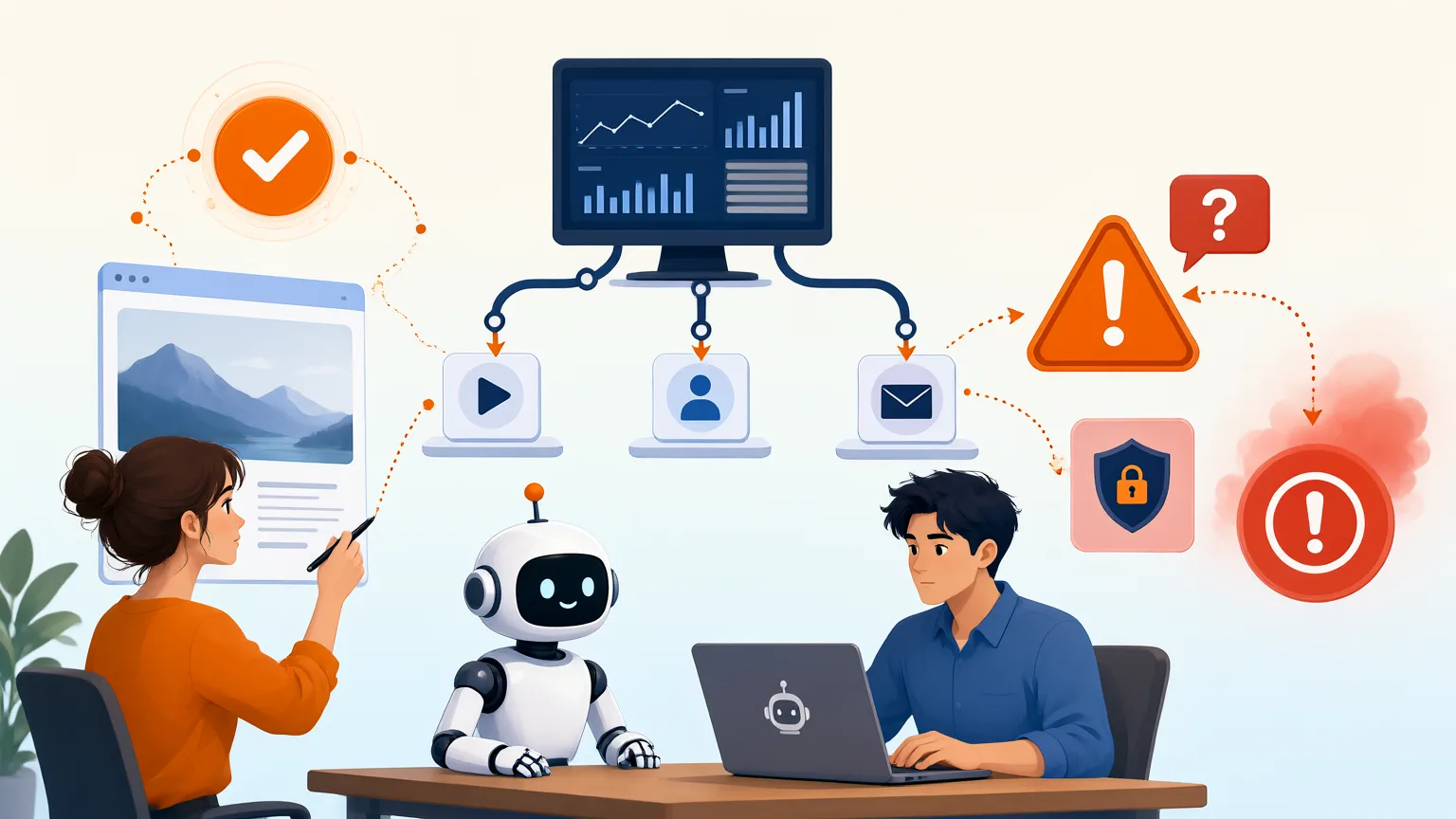
Once one workflow runs reliably, write down how it works: trigger, steps, tools, prompts, review points, and what "good output" looks like. That document is your template. Cloning it is far faster than building from scratch, and it is how you move from one automation to a system covering content repurposing, customer onboarding, or review requests.
Scaling from One Workflow to a System
- Clone the structure, swap the inputs. A lead follow-up workflow and a content repurposing workflow share the same shape: trigger, AI step, human check, delivery.
- Add one workflow at a time. Running two broken automations is worse than running one working one.
- Keep a shared prompt and checklist library so every new workflow starts from a tested baseline.
When to Keep Humans in the Loop
Four pitfalls sink otherwise good setups: over-automation, missing human review, data privacy problems, and AI hallucinations. Never automate high-stakes negotiations, sensitive customer complaints, or creative strategy. Those need judgment you cannot script.
For everything else, add checkpoints. CXL's guidance is blunt: the workflows that work send AI output to a person for approval before anything reaches a customer or spends budget. CXL also reports that 65% of B2B marketers rated themselves beginner or below at building AI workflows, so a review step protects you while you learn.
You know it worked when two workflows are live and every AI output passes a review before publishing. If you are extending this into search, our AI SEO strategies for small business follow the same build-review-scale pattern.
Frequently asked questions
What are AI automation workflows for marketing?
They are repeatable sequences where AI tools handle defined marketing tasks, such as drafting content, qualifying leads or scheduling posts, with triggers and handoffs you set up once. Instead of doing each step manually, you connect an AI model to your data and channels so the work runs on its own, and you review the output at chosen checkpoints.
Which marketing tasks should I automate first?
Start with high-volume, low-judgment work: lead capture and routing, first-draft content, email follow-ups, social scheduling and reporting summaries. These have clear inputs and outputs, so they are easy to test. Leave strategy, pricing and brand-critical messaging to humans until your workflows are proven and your review process is reliable.
How do I build an AI automation workflow step by step?
Define one outcome, map the current manual steps, pick the trigger, choose the AI tool for each step, connect your data sources, then test with real examples before going live. Add a human review point, log every run, and improve prompts or logic weekly. AI Profit Insider publishes step-by-step workflows and ready-to-use agent setups you can copy into your stack.
What results can AI marketing automation deliver?
The main gains are time saved on repetitive tasks and faster response to leads, which matters because speed often decides who wins the deal. Content production and reporting also speed up. Results depend on your volume, data quality and how well you review output, so track hours saved, response time and conversion rate rather than assuming a fixed number.
Final thoughts
AI automation workflows for marketing work best when you start small: pick one repetitive task, map the steps, then let an AI agent handle the parts that follow clear rules. Content briefs, lead replies and reporting are the easiest wins. From there, expand one workflow at a time instead of rebuilding everything at once.
Your next step is to choose a single bottleneck this week and build the workflow around it. If you want ready-to-use setups rather than building from scratch, the AI Profit Boardroom gives you step-by-step AI automation courses, templates and weekly live coaching to help you get each workflow running.