Best AI Tools for Small Business Marketing in 2026
By Julian Goldie · 25 Nov 2026
If you search for the best AI tools for small business marketing, you will find hundreds of lists that name a tool, describe the category it belongs to, and move on. What they rarely tell you is what the tool actually costs once you are paying for real, where it falls short, and how to wire it into a workflow that produces leads instead of another monthly charge on your card. That gap is what this roundup closes.
Each pick below is ranked by the job it does for a small business, not by how clever the demo looks. You will see the real price, the honest drawback, and the automation that turns the tool into pipeline. The final section covers how to choose, so you can cut the subscriptions that never earned their keep.
Key takeaways
- Most small businesses get 80% of the value from 3-5 AI tools, not 15, pick by bottleneck, not by hype.
- ChatGPT plus Canva plus one automation tool is the highest-return starter stack for most small teams.
- AI content only pays off when paired with SEO research and a human editor; volume alone doesn't rank.
- Speed to lead is the biggest AI win most small businesses ignore, AI receptionists and instant follow-up convert.
- The tool is the cheap part; the workflow around it is what actually produces customers and profit.
1. ChatGPT (Plus, Team), Best for Strategy, Copy and Campaign Brainstorming
ChatGPT remains the default starting point for small business marketing because one subscription covers an unusual amount of ground. Copywriting, offer positioning, ad angles, email sequences, landing page drafts and summaries of customer research all live in the same plain-language chat window. For a solopreneur or a two-person marketing team with no dedicated copywriter, that breadth is the point: you are not buying a specialist tool, you are buying a generalist that is competent at most of the writing and thinking work on your list.
The U.S. Chamber of Commerce notes that ChatGPT has become a default for drafting marketing copy, outlining campaigns, brainstorming content ideas and doing quick research, and that small teams can share a workspace rather than juggling individual accounts.
Best prompts for small business marketing
The fastest wins come from prompts that ask for options rather than finished assets:
- "Give me 10 ad angles for [product] aimed at [audience], each with a one-line hook and the objection it answers."
- "Rewrite this landing page headline five ways: one benefit-led, one curiosity-led, one price-led, one proof-led, one urgency-led."
- "Summarize these 12 customer reviews into the top five purchase objections and the language customers actually use."
- "Draft a five-email welcome sequence for a new subscriber who downloaded [lead magnet]."
Custom GPTs handle the repeatable work: load your brand voice guide, tone rules and three sample posts, and every future draft comes back closer to on-brand.
Where ChatGPT stops and automation starts
ChatGPT does not publish, schedule or send anything. It has no native connection to your calendar, CRM or inbox, so the draft still has to be moved somewhere by hand. Output also needs editing before it goes out: statistics, claims and specifics should be checked, and generic phrasing trimmed.
The free tier is genuinely usable, but access to newer models is limited. Plus runs around $20 per month per seat; Team sits around $25 to $30 per month per seat.
For a worked example of closing that gap, AI Profit Insider members use its automation workflows and ready-to-use templates to take a finished ChatGPT draft and route it into a publishing or follow-up sequence, rather than copying and pasting between tools.
2. Canva Magic Studio, Best for Fast Visuals, Ads and Social Creative

Canva Magic Studio is Canva's AI layer inside the same drag-and-drop editor millions of people already use, so there is no new app to learn. It handles text-to-image generation, AI copywriting through Magic Write, background removal, one-tap resizing for different platforms, and a text-to-video tool.
According to the U.S. Chamber of Commerce, it suits anyone who needs polished visuals fast without hiring a designer, and people with no design background can produce social graphics, flyers or listing photos in-house.
Who it suits: businesses with no designer on staff and a constant need for on-brand visuals across social, ads, thumbnails and presentations.
Where it is strong:
- Magic Write drafts captions, headlines and short ad copy without leaving the canvas.
- Magic Resize reflows one design into every format you need, so a single concept becomes a feed post, a story and a banner.
- Background removal turns quick phone photos into clean product shots.
- Brand Kit locks fonts, colors and logos so output stays consistent no matter who on your team makes it.
Drawbacks: templates can look generic if you do not customize them, and advanced editing is limited compared with professional design tools.
Price: the free plan includes limited monthly AI credits. Canva Pro costs around $15 per month per user and includes 500 AI credits a month, unlimited cloud storage and the Brand Kit.
Turning one blog post into a week of social creative
Write a short post or pull a section from an existing article, then ask Magic Write for five hooks. Drop each hook into a template, swap the image, hit Magic Resize, and export every size. One source piece becomes a week of posts in under an hour.
3. Jasper and Surfer SEO, Best for Content That Actually Ranks
Jasper and Surfer SEO split the content job in two, and that split is why the pair works better than either tool alone. Jasper handles the writing side: brand-voice long-form drafts, campaign copy, and repeatable formats you can produce at volume once you have trained it on how your business sounds. Surfer handles the research side, building content briefs, setting term targets, suggesting internal links, and scoring your draft on-page before you publish.
Who it suits: businesses where content is a lead generation channel, not a hobby. If a blog post needs to bring in organic traffic that turns into enquiries, you need both halves.
The drawbacks are real. Two subscriptions stack up, and an AI draft still needs a human editor with genuine expertise in the topic. Search engines reward first-hand knowledge, and no tool supplies that for you.
Price: Jasper and Surfer are both paid subscriptions, and the two together add up quickly.
A simple AI content workflow that beats publishing more posts
- Pull a brief from Surfer for a keyword your buyers actually search.
- Draft in Jasper using your brand voice and the brief's term targets.
- Edit for accuracy and add examples only you can give.
- Re-score in Surfer, fix gaps, add the suggested internal links, publish.
That loop beats publishing twice as many thinner posts. For the keyword and internal linking layer around it, see our AI SEO strategies for small business. Zapier's roundup notes that 26% of professionals already cite overlapping tools as a barrier to value, which is the argument for pairing these two rather than adding a third writer tool.
4. Zapier and Make, Best for Connecting Tools Into Marketing Automation
Most small businesses don't lose hours to writing copy. They lose them to moving data: a form fill pasted into a CRM, a new subscriber typed into an email list, a blog post link copied into three scheduling tools.
Zapier is the easiest starting point. You pick a trigger ("new row in Google Sheets") and an action ("add contact to Mailchimp"), and it runs without code. Make takes the same idea further: visual multi-step scenarios with branching logic, filters and error handling, usually at a lower cost per task once volume climbs.
Three automations worth building first
- Lead capture to CRM: form submission triggers a CRM record, a tagged welcome email and a Slack or SMS alert to whoever owns the follow-up.
- Content distribution: a new published post automatically generates social variants, schedules them and logs the links in a tracking sheet.
- Review and reputation requests: a completed job triggers a review request three days later, with a reminder if there's no response.
This is the category for anyone who wants AI to run tasks, not just draft text. If you're mapping the traffic side of that system, AI Profit Insider's guide to AI SEO strategies for small business shows where automation fits alongside content.
Two drawbacks to plan around. Costs scale with task volume, so a runaway loop gets expensive fast. And badly built automations fail silently: no error, no output, just a lead that never got a reply. Add a weekly check that your key zaps ran.
Price: Zapier has a free tier, then paid plans from roughly $20-30/month. Make has a free tier, then from around $9-16/month.
5. HubSpot AI and an AI Receptionist, Best for Leads, CRM and Follow-Up
Most small business marketing leaks happen after the click. Someone fills in a form, calls at 6pm, or replies to an email, and nothing happens for two days. HubSpot plus an AI receptionist closes that gap.
HubSpot's free CRM gives you one place for contacts, deals and activity history, with AI features layered on top: lead capture from forms and chat, email sequences that send and follow up on your behalf, a website chat widget, and reporting that shows which channel actually produced revenue. You are not stitching four subscriptions together. The free tier is genuinely usable; paid tiers scale quickly once you pass the contact limits or want advanced automation.
AI receptionist and voice agent tools such as Dialpad answer calls, qualify the enquiry and book the appointment when nobody is at the desk. Dialpad reports that WizeHire cut missed calls by 50% and LemonBrew increased call output by 57% with a third of the staff. Treat those as vendor-published figures, not a guarantee.
Why speed to lead beats clever copy
A lead contacted within minutes converts far better than one contacted the next morning. Your ad copy matters less than whether a human or an agent replies while intent is still high.
| Tool | Job it does | Pricing model |
|---|---|---|
| HubSpot (free CRM + AI) | Lead capture, sequences, chat, reporting | Free tier; paid tiers scale fast |
| Dialpad / AI receptionist | Answers and qualifies calls, after-hours cover | Per seat or per minute |
Who it suits: service businesses where a missed call is a lost job, including trades, clinics, agencies and home services.
Two drawbacks. CRM setup takes real effort: imports, pipelines, properties and sequence copy, and a half-configured HubSpot is worse than a spreadsheet. And AI chat needs a clear human handover path, because a bot that loops on the same answer damages trust faster than a slow reply does.
If your funnel depends on content rather than calls, pair this with the AI SEO strategies for small business that feed leads into the CRM.
6. How to Choose (and Not Waste Money On) AI Marketing Tools
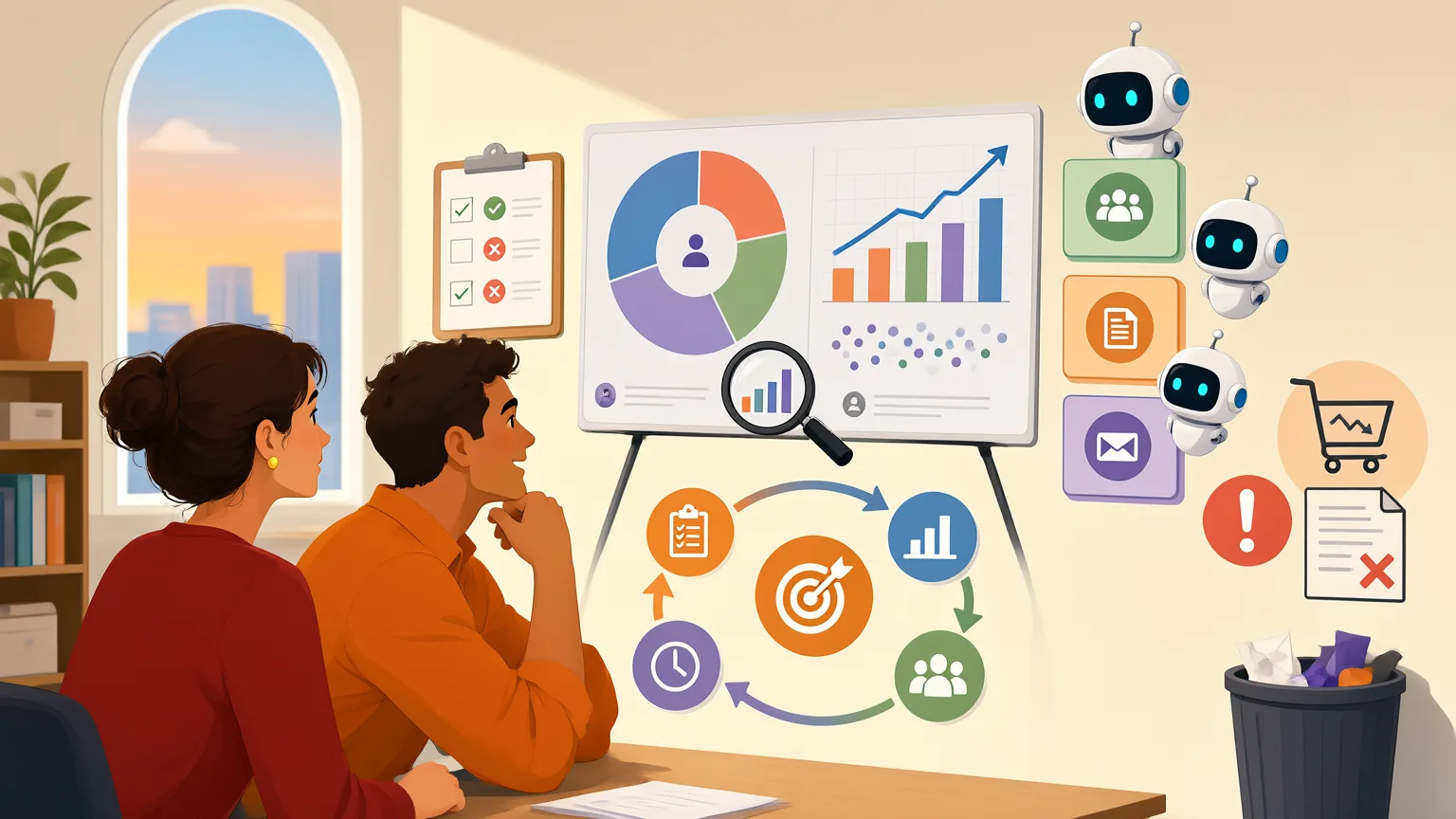
Start with the bottleneck, not the tool list. Ask which job is actually costing you money right now: leads, content, follow-up or admin. If nobody answers the phone after 5pm, an AI receptionist beats a copywriting subscription every time.
Zapier's research on AI spending found 26% of professionals already cite overlapping tools as a barrier to value, and 86% expected AI spending to rise over the next year. Overlap is where budgets quietly die.
Then test one tool per job for 30 days against a single metric. Missed calls recovered, drafts published, reply rate, hours saved. One tool, one number, one month. If it doesn't move the number, cancel it before adding anything else.
Before you buy, check integration. A tool that doesn't connect to your CRM, inbox or calendar creates work instead of removing it. Most small businesses get the bulk of the value from a handful of tools, not fifteen. Build the workflow around the tool, then write it down step by step so it survives staff changes.
The 3-tool starter stack
- One thinking tool for strategy and copy (ChatGPT or similar).
- One production tool for visuals and content assets.
- One connection tool to move data between them and your CRM.
Add a fourth only when a specific bottleneck stays unsolved after 30 days.
Where to learn the workflows, not just the tools
Tool tutorials teach features. Workflows teach outcomes.
Inside the AI Profit Boardroom, you get ready-to-use AI agent setups and templates, step-by-step automation workflows, and weekly live coaching calls with a community of business owners running the same stack. That is where the 30-day test turns into a documented system.
Frequently asked questions
What are the best AI tools for small business marketing in 2026?
The strongest picks split by job: ChatGPT for copy and research, Canva for design, Jasper for brand-consistent content, HubSpot for email and CRM, and Descript for short video. Most small teams run two or three, not ten, and connect them with automation platforms like Zapier or Make.
Are there free AI tools good enough for small business marketing?
Yes, for a surprising amount of work. ChatGPT, Claude, Gemini, Canva, and Mailchimp all have free tiers that cover drafting posts, emails, and basic graphics.
Free plans usually cap usage, remove brand controls, or limit exports, so upgrade only the one tool you use daily. Paid tiers typically start around 20 dollars per month.
How much should a small business spend on AI marketing tools each month?
Solo owners can start cheaply using free tiers plus one paid writing tool. A small team producing content weekly should budget for a writer, a designer, an email platform, and an automation tool. Once the bill climbs past a few core subscriptions, you are usually paying for seats or features you have not switched on yet.
Can AI tools replace a marketing hire for a small business?
Not entirely, but they can absorb most of the production work. AI handles drafting, repurposing, scheduling, and reporting, while strategy, offers, and customer relationships still need a person.
Many owners use AI to delay a first hire, then hire for judgment rather than output. AI Profit Insider's guides and Boardroom courses show how to wire those workflows together.
Final thoughts
The best AI tools for small business marketing in 2026 share one trait: they plug into a workflow, not a pile of disconnected apps. Pick one job that eats your week, whether that is answering leads, drafting content or publishing SEO pages, and automate that before adding anything else.
A practical next step is the AI Profit Boardroom, where AI Profit Insider walks through step-by-step automation workflows, ready-to-use AI agent setups and weekly live coaching calls. You get a working system instead of another tool to learn. Start with the task that costs you the most hours, then expand once it runs without you.