How to Use AI to Get More Customers: 6-Step System
By Julian Goldie · 27 Nov 2026
If you want to know how to use AI to get more customers, the hard part is not finding another tool. It is knowing where AI actually moves the needle across the whole funnel, from the first cold lead to the closed deal. Most advice stalls in one of two places: think pieces that never get specific, or tips that cover a single tactic and leave the rest of your pipeline untouched.
This guide gives you a complete, tool-agnostic system you can run with whatever stack you already own. You will work through six steps that mirror how customers actually buy: mapping your ideal customer profile, finding and qualifying high-intent leads, personalizing outreach, attracting inbound traffic with content, automating follow-up with AI agents, and measuring what to scale. Each step includes concrete prompts, workflows, and metrics, so you finish with a repeatable acquisition engine rather than a folder of experiments.
Key takeaways
- AI can automate every stage of customer acquisition, from research to follow-up, so you focus on closing.
- Personalization at scale is the biggest win: AI lets you tailor outreach without hiring more people.
- Start with one step, measure results, and reinvest profits into the next AI tool.
- AI-powered content and SEO bring inbound leads that compound over time.
- The right AI stack depends on your business model, test free tools before committing to paid ones.
Step 1: Map Your Ideal Customer Profile with AI Research
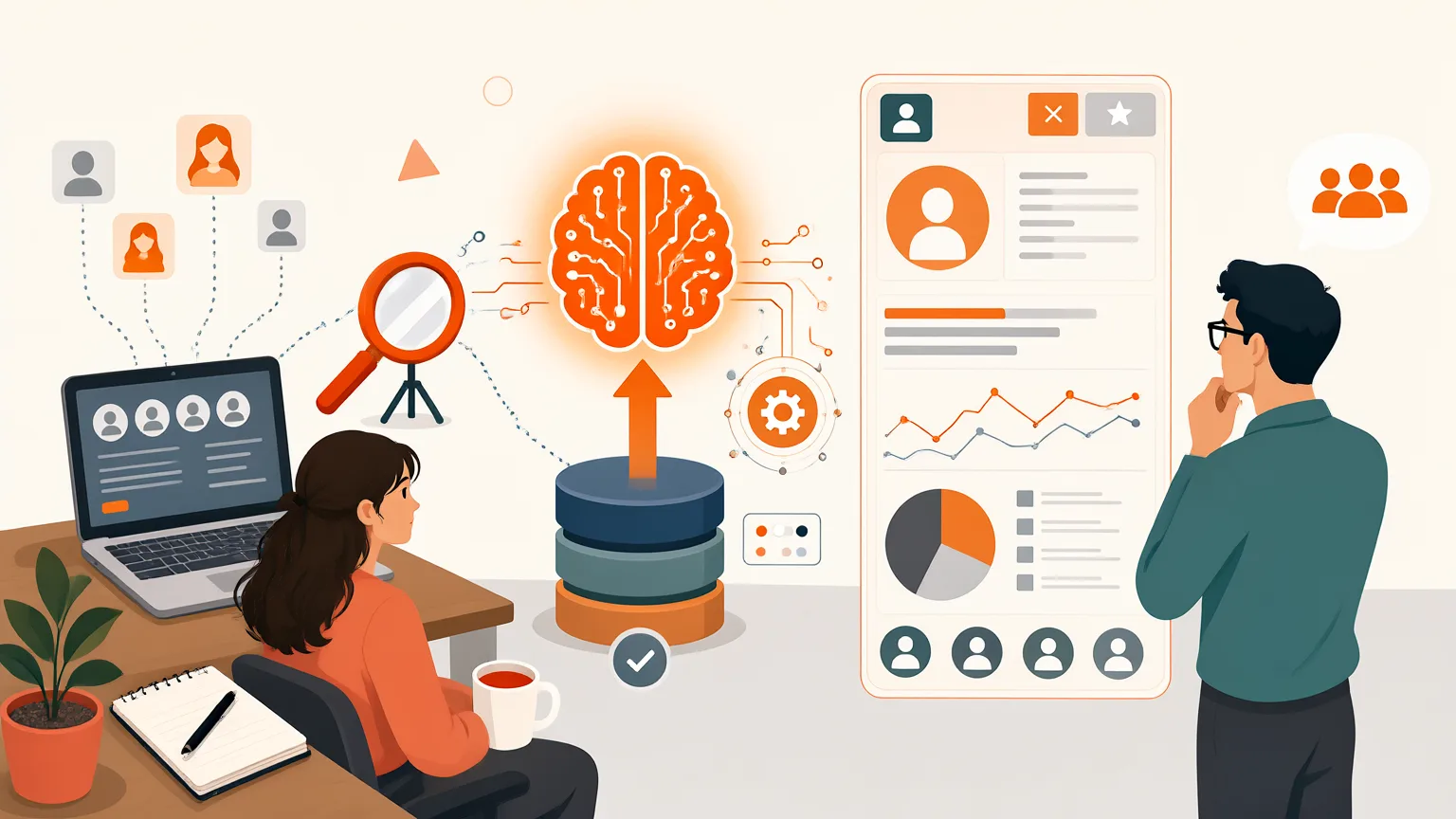
Your best customers already tell you who to target next. The problem is that the pattern is buried across invoices, support tickets, and call notes. AI pulls the signal out of that mess in an afternoon.
Start by exporting a list of your ten to twenty highest-value customers, including what they bought, how long they took to close, and any notes from sales calls. Paste that into ChatGPT or Claude and ask it to find the common threads: company size, role of the buyer, the trigger that started the conversation, and the objections that nearly killed the deal. You will usually see two or three clusters, not one.
Prompt to build your ICP in 10 minutes
Give the model a structured brief rather than a vague request. A prompt like this works well:
- "Based on the customer notes below, build an ideal customer profile covering: demographics and firmographics, top three goals, top three objections, buying triggers, and the specific places they spend time online (communities, publications, events)."
- "For each claim, quote the customer note that supports it."
- "Flag anything you are inferring rather than reading directly."
That third instruction matters. It keeps the model honest and shows you where you still need real data.
Using AI for competitive gap analysis
Ask ChatGPT who your competitors target, what they promise, and which segments they ignore. Competitive research is one of the fastest wins for identifying underserved segments.
Then validate the ICP against reality: run sentiment analysis on competitor reviews, Reddit threads, and LinkedIn comments to see which pain points people actually complain about. If your ICP says "wants faster onboarding" but every review mentions price, you have your answer.
How to tell it worked: you have a one-page ICP document your whole team agrees on, and your outreach reply rates climb.
Step 2: Find and Qualify High-Intent Leads at Scale
Once your ICP is defined, the bottleneck shifts from "who" to "which of these thousands of companies should I contact this week." AI lead scoring answers that by ranking prospects on how closely they match your best customers and how actively they're showing buying signals.
AI tools for intent data
Tools like Clay, Apollo, and HubSpot score leads using firmographics, technographics, hiring patterns, and engagement history, then surface the ones most likely to buy. Clay's enrichment waterfalls pull from dozens of data sources in one pass; Apollo combines its own database with intent filters; HubSpot layers scoring on top of your CRM activity.
Pair scoring with AI agents that watch for trigger events: a job change into a buying role, a funding round, a pricing-page visit, or repeat visits to a comparison page. These signals move a cold name to the top of the queue without anyone manually checking.
| Signal | What it suggests | Typical action |
|---|---|---|
| Funding announcement | Budget just became available | Prioritize within 30 days |
| New VP or department head | New priorities, new vendors | Outreach within 2 weeks |
| Repeat pricing-page visits | Active evaluation | Route to sales immediately |
| Hiring for a role your product supports | Pain is growing | Nurture with a relevant case study |
Building a self-updating lead list
AI scrapers and enrichment tools can build and refresh lists from LinkedIn, industry directories, and niche communities on a schedule, adding new matches and flagging ones that no longer fit. Set firmographic filters (size, industry, revenue band, tech stack) so low-fit leads drop out automatically and your pipeline stays clean. The test of whether this works: your sales team spends 80% of their time on leads that are 3x more likely to convert, instead of sifting through unqualified names.
Step 3: Personalize Outreach That Doesn't Feel Like Spam
Generic templates get ignored. Personalized messages get replies. AI closes that gap by letting you reference a prospect's recent activity at a scale no human team could match alone.
Feed your AI tool three things: who the prospect is, what they recently did (a post, a funding round, a job change), and one relevant outcome you deliver. The output reads like you wrote it after five minutes of research, because in effect, you did.
The 3-sentence AI email framework
Structure beats cleverness. Give the model a fixed shape:
- Sentence one names the specific trigger you noticed.
- Sentence two connects that trigger to a problem you solve.
- Sentence three asks one low-friction question.
Run this against a list of 200 prospects and you get 200 distinct openers. Outreach automation consistently yields higher reply rates than static templates.
Automating follow-ups without being annoying
Static sequences break. Dynamic ones adapt:
- If they open but don't reply, send a shorter nudge with a different angle.
- If they click a pricing link, follow up with a case study, not a reminder.
- If they reply at all, pause the sequence and alert you.
AI voice notes and short video scripts work here too. A 30-second script referencing their last post stands out in an inbox of text. Use AI to draft the script, then record it yourself.
A/B test subject lines and CTAs with AI-generated variants. Ten subject lines cost you nothing to produce and tell you what resonates within a week.
How to tell it worked: reply rates climb and you book more meetings without adding headcount.
Step 4: Attract Inbound Leads with AI-Powered Content
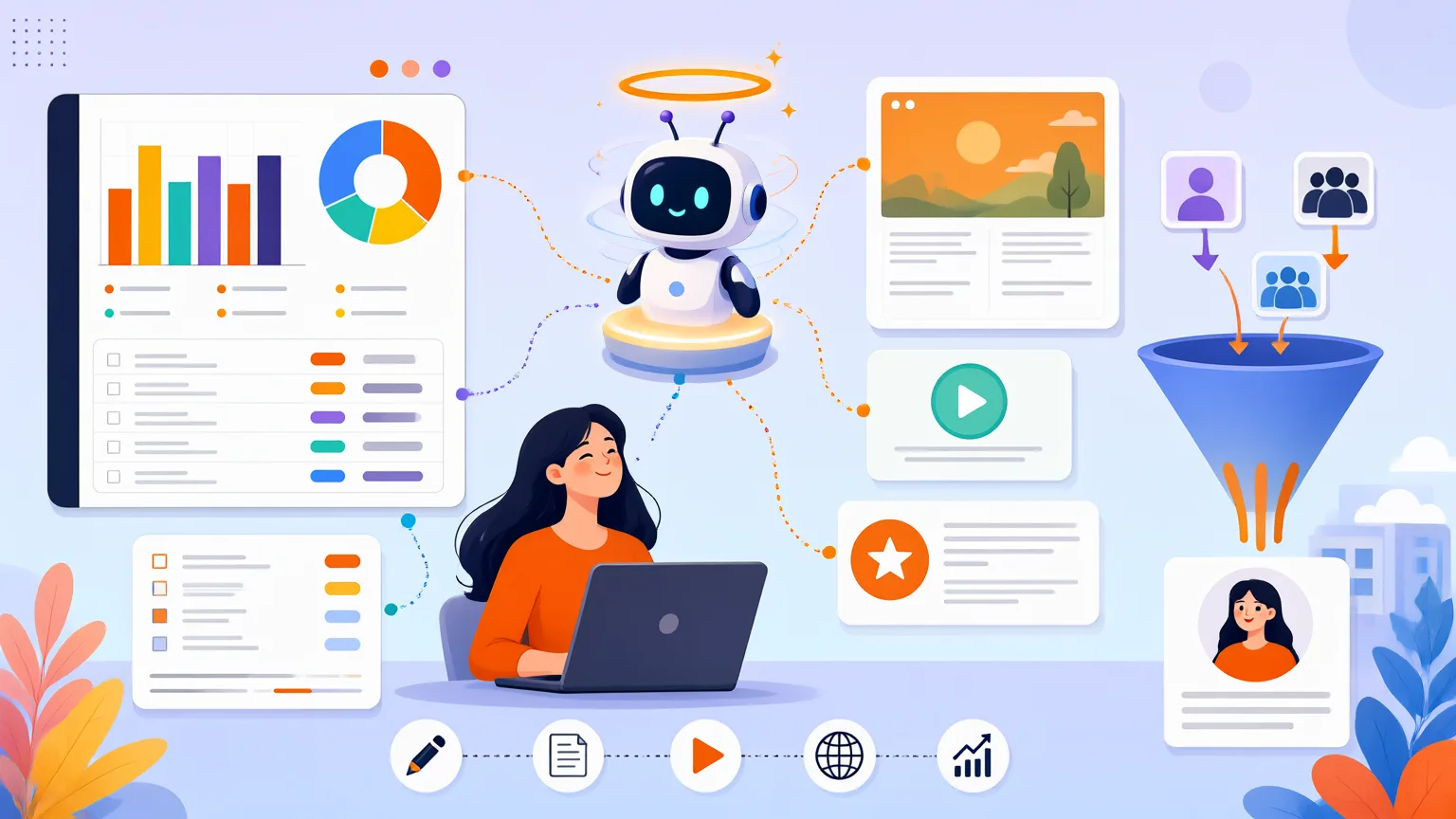
Outbound gets the first conversation. Inbound keeps the pipeline full without you starting from zero every Monday. The goal here is simple: publish more useful content than your competitors, faster, and structure it so both Google and AI assistants can quote it.
AI content workflow from keyword to publish
- Pull the keywords your competitors rank for but you do not. Tools like Ahrefs or Semrush show the gap; ask ChatGPT or Claude to cluster those terms into topic groups by buyer intent.
- Generate an outline, then a draft. Jasper and Surfer SEO handle briefs, headings and on-page optimization scoring, cutting production time versus writing from a blank page.
- Edit for accuracy and voice. AI drafts, you approve every claim, number and recommendation.
- Repurpose the finished piece. One article becomes five LinkedIn posts, a short video script, a newsletter section and three follow-up emails, all generated from the same source text in under an hour.
Optimizing for AI search and featured snippets
AI search engines and Google's AI overviews favor content that answers a question directly. Structure each section with a clear question heading and a two-to-three sentence answer underneath, then add FAQ or Article schema markup so machines can parse it.
How to tell it worked: organic traffic typically grows 30 to 50 percent within 90 days of consistent publishing, and you start seeing ChatGPT, Perplexity and Google AI overviews cite your pages as sources. One creator documented a single AI-referred subscriber turning into $5,382.86 in products and coaching over six months, according to Matt Giaro.
If you want the full keyword-to-publish system, including schema templates and AI search checks, see our guide to AI SEO strategies for small business.
Step 5: Automate Follow-Up and Nurture with AI Agents
Most leads don't buy on the first touch. They go quiet, then resurface days or weeks later. AI agents keep the conversation alive in the gap, so no prospect sits in your inbox waiting for a human to remember them. Automated follow-up ensures no lead goes cold during the critical post-inquiry window.
Building a simple AI chatbot in a day
Start with the front door. A chatbot on your site answers common questions, captures contact details, and routes serious inquiries to a calendar link. You don't need custom code.
Pick a tool with a no-code builder, feed it your FAQs and pricing ranges, and set the handoff rule: when a visitor asks about timelines or budget, it collects name, email and need, then offers a booking slot. That captures leads at 2am without hiring anyone.
Connecting AI agents to your CRM
The chatbot is one channel. The real leverage comes from wiring agents into your CRM so they act on what a lead does:
- Email nurture: sequences that branch on behavior. A prospect who opens three pricing emails gets a case study and a time-limited offer; one who goes cold gets a lighter check-in.
- Voice agents: call new leads within minutes, qualify budget and timeline, and book the appointment directly on your calendar.
- CRM triggers: when an agent scores a lead as sales-ready, it creates a task and notifies your rep with the full conversation history attached.
Inside AI Profit Insider, the automation workflows and ready-to-use agent setups walk you through this wiring step by step, so you can connect a chatbot to your CRM without guessing at the integration.
How to tell it worked: you wake up to booked meetings on the calendar, and your cost per lead drops.
Step 6: Measure, Optimize, and Scale What Works
The first five steps generate activity. This step turns that activity into a system you can trust. Without measurement, you are guessing which outreach, content and follow-up actually produced revenue.
Dashboards that matter
Track four numbers, and ignore the rest until these are clean:
- Lead quality: what share of leads match your ideal customer profile and book a call
- Conversion rate: leads to paying customers, by channel and by message
- Cost per acquisition: total spend divided by new customers
- Customer lifetime value: revenue per customer over 12 months, which tells you how much you can afford to spend
AI analytics earns its place by connecting channels and messages to revenue rather than clicks. AI analytics reduces time spent on manual data consolidation, allowing for faster strategic adjustments.
Scaling without losing personalization
Once a segment or message outperforms, give it more budget and build lookalike audiences from your best customers. Keep feeding the AI fresh data, such as closed deals, replies and objections, so targeting sharpens with each cycle.
Here is where the AI Profit Insider templates help: you start from a ready-to-use agent setup for reporting and audience building instead of designing one from scratch.
You know it worked when the system is predictable: a steady flow of new customers each month, repeatably, without you manually running each step.
Frequently asked questions
How can small businesses use AI to get more customers?
Start with the highest-volume, lowest-value task: answering and qualifying inbound leads. AI chat agents respond in seconds, ask qualifying questions and book calls, so no enquiry goes cold overnight.
From there, layer AI onto follow-up emails, content production and ad copy. The goal is not replacing your sales process, it is removing the delays and gaps where interested buyers quietly disappear.
What is the fastest AI win for lead generation?
Speed to lead. Responding within minutes dramatically raises conversion versus hours later, and most small teams cannot sustain that manually.
An AI agent that replies instantly, qualifies the enquiry and routes hot prospects to your calendar captures demand you already paid for. It typically beats building new traffic sources because you are fixing leakage in leads you already have.
Do I need technical skills to set up AI customer acquisition?
No. Most tools now run on no-code interfaces: connect your form or inbox, write the agent's instructions in plain English, and test.
The harder part is process design, deciding what the agent asks, when it hands off to a human, and what counts as a qualified lead. Get that logic right first, then pick tools that fit it rather than the reverse.
How do I measure whether AI is actually bringing more customers?
Track four numbers before and after: response time to new leads, lead-to-call booking rate, cost per acquired customer, and revenue per lead. If response time drops and booking rate rises while spend stays flat, the AI is working. Review monthly, because AI systems drift as your offers and audience change, and a workflow that converted well in month one may need retuning by month three.
Final thoughts
The system works because every step removes a reason a buyer would go cold: faster replies, better targeting, consistent follow-up. Tools alone don't do that. A simple workflow that captures leads, qualifies them and keeps them warm does.
Your next step is to stop collecting tools and start building one workflow. Inside the AI Profit Boardroom, AI Profit Insider gives you step-by-step automation courses, ready-to-use AI agent setups and templates, and weekly live coaching calls so you can put that workflow together and keep improving it. Pick the step where you lose the most customers, automate that first, then move to the next.